Welcome to Smart Comparison Table
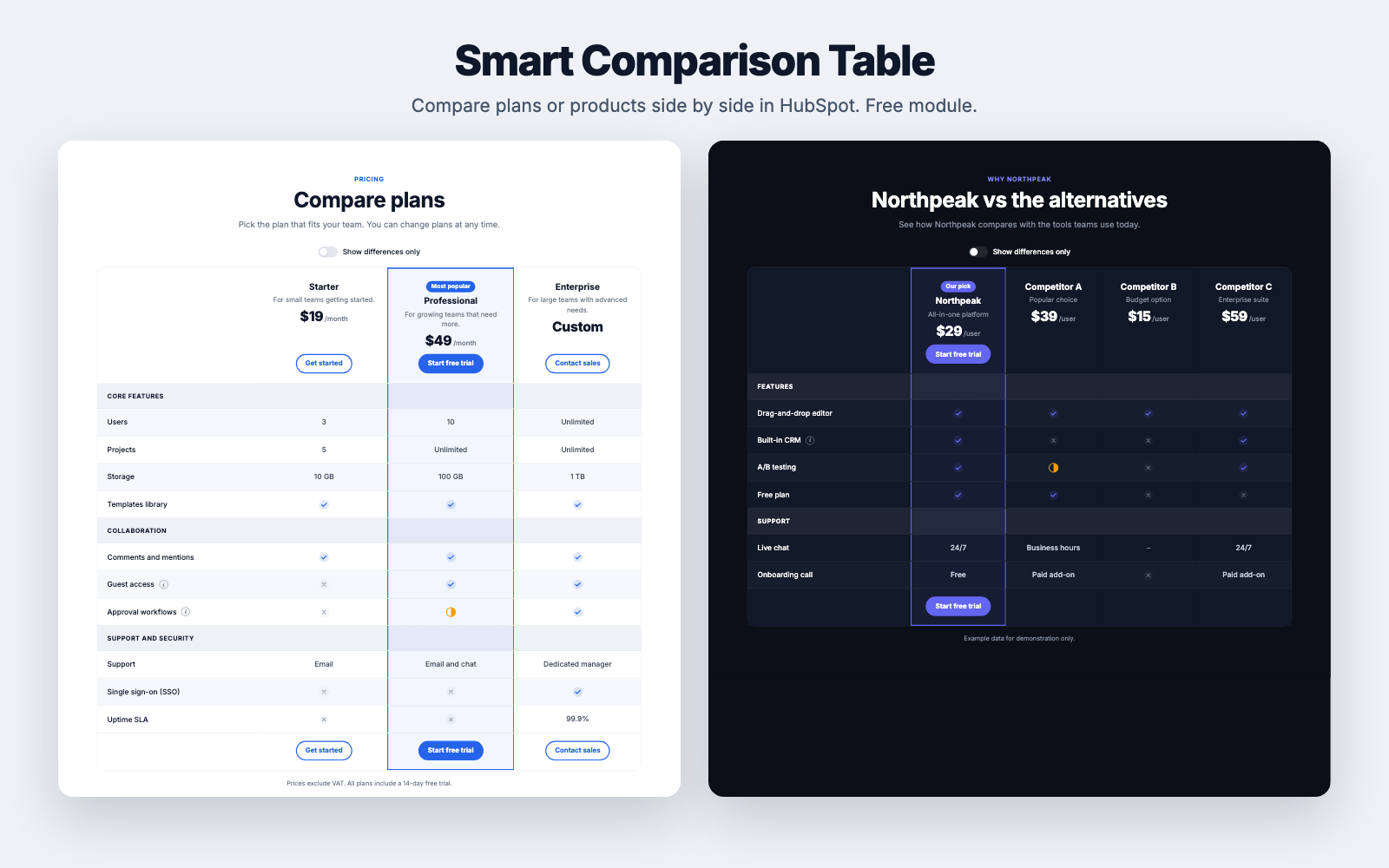
Smart Comparison Table is a free HubSpot module for comparing pricing plans or products side by side. You fill in simple fields in the page editor, and visitors get a clear table with check and cross icons, tooltips, a "show differences only" switch and layouts made for phones.
Live demo: assets.pixtheme.com/modules/comparison-table-demo
What's included
| Columns | 2 to 6 plans or products, each with a name, description, price, badge, optional logo and button |
| Rows | Up to 80 feature rows and section headings, with optional tooltips |
| Values | yes, no and partial become icons. Any other text, such as 10 GB, shows as text |
| For visitors | "Show differences only" switch, a slim sticky bar with the column names on desktop, tooltips |
| On phones | Swipe the table with the feature names fixed, or show one card per column |
| Style | Light, Dark and Brand tint presets, your brand color, custom colors, row height, stripes, corner radius |
Where to start
Requirements
- A HubSpot account that can create website pages or landing pages.
- Any HubSpot theme. The module uses your theme's primary color by default and looks the same in every theme.
- No coding is needed. Everything is edited in the HubSpot page editor.